
Service Booking for Car Dealer Websites
MOT and service bookings managed within Autopromotor
Service Booking is a feature within Autopromotor that lets customers request MOTs and servicing directly on your website. Every booking flows back into Autopromotor with customer and vehicle details, ready for you to approve, so your service operation stays organised in the same platform you use to run everything else.
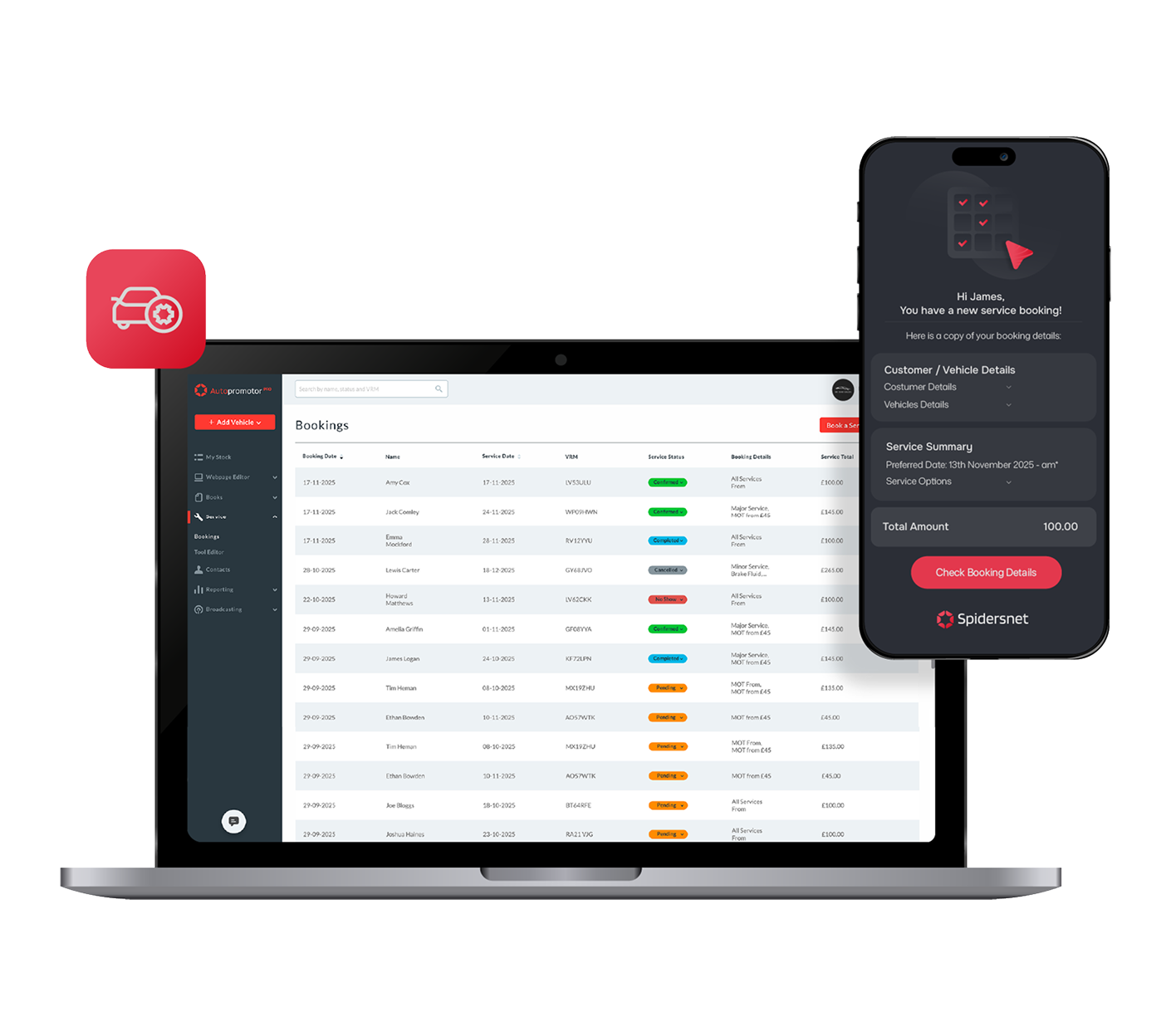

Keep everything in one system
Bookings flow into Autopromotor alongside your customer and vehicle records

Reduce admin and double-entry
Vehicle details populate automatically using the customer’s registration

Stay in control of your diary
Set opening hours, lead times and unavailable days inside Autopromotor
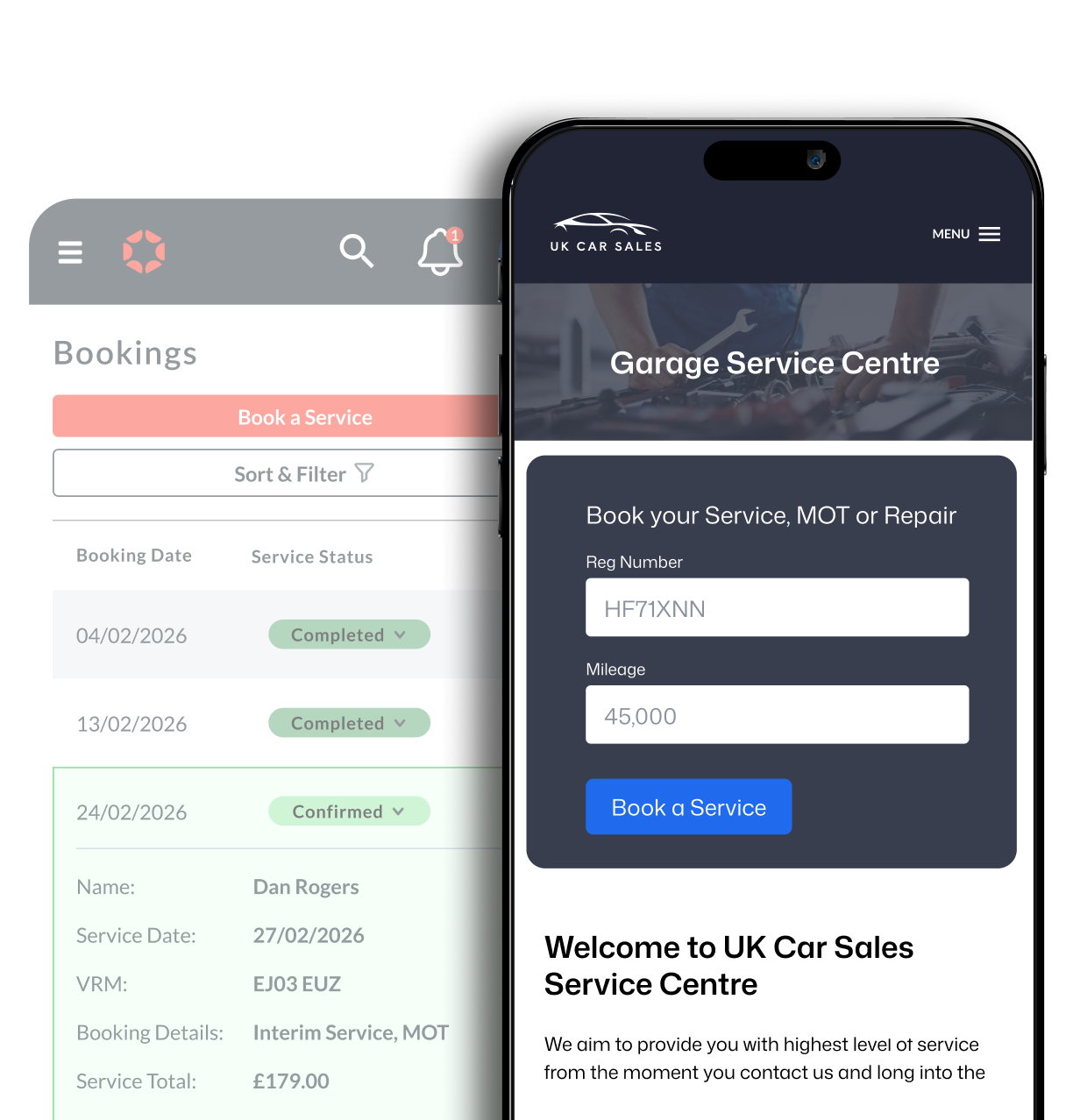
Still using separate tools to manage service bookings?
A lot of dealers manage servicing with disconnected tools, messages in one place, customer details in another, and a diary that doesn’t connect to anything.
That creates extra work and extra risk. Details need copying across. Bookings need chasing. Information gets missed when the team is busy.
Service Booking keeps it simple. Customers request a slot through your website, and the booking lands inside Autopromotor with the service type, date, and customer and vehicle details, all in one place.
What online service booking means for your dealership
Service Booking is built to fit how dealerships actually work. You decide what you want customers to book, and you control how the diary operates.
It gives customers a simple online booking experience, while keeping everything structured behind the scenes.
With this feature, you can:
- Create a ready-to-go service menu, fully customisable to match your dealership
- Include an MOT offering that you can tailor to your own process and pricing
- Add additional services with your own prices, descriptions and settings
- Capture complete booking information automatically
How bookings stay controlled inside Autopromotor
Online booking only works if it doesn’t create chaos in the diary.
Inside Autopromotor, you set your opening hours, lead times and unavailable days. That means you can protect workshop capacity and ensure you have time to prepare.
For example, if you need five days’ notice for certain work, you can prevent customers from booking anything sooner than that. Customers still choose a date that suits them, but you stay in control of what’s possible.
When a booking request comes in, both you and the customer receive an email notification. You can then review the details inside Autopromotor and confirm the date and time.
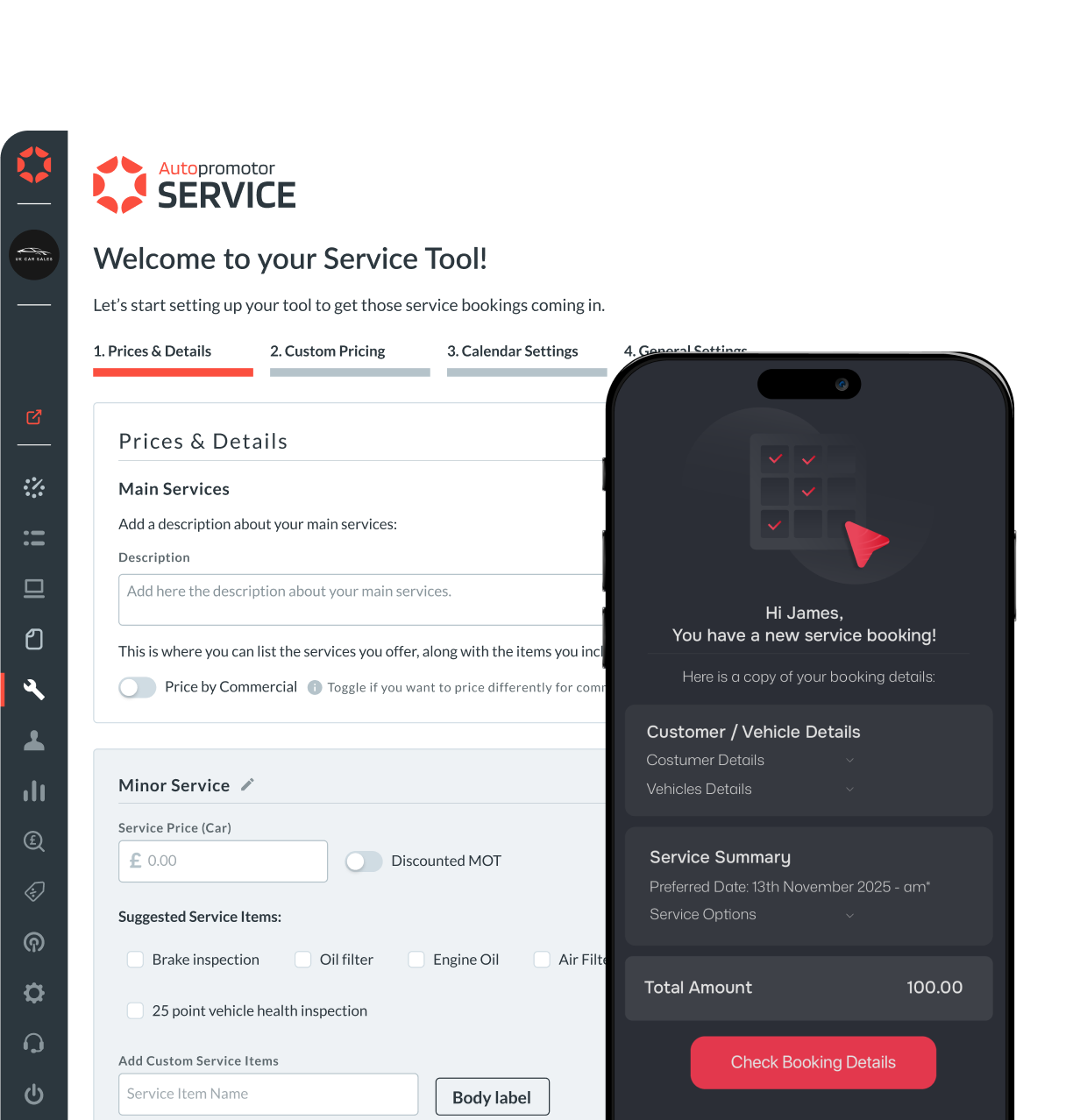
A cleaner process for your team and your customers
Service Booking is designed to reduce the back-and-forth that comes with managing service enquiries manually.
It’s not about adding more software. It’s about bringing another part of your operation into Autopromotor.

One place to manage bookings, without separate tools or systems
Cleaner booking requests, capturing vehicle info automatically
Less chasing with details arriving structured and ready to confirm
How it works?
With Service Booking inside Autopromotor, bookings, customer details and service requests stay connected in one platform. You set the rules once, requests come in through your website, and approvals happen inside the system your team already uses.
Set up your service menu (including MOT and custom service options).
Set your opening hours, lead times and unavailable days inside Autopromotor.
Customers request a booking on your website, 24/7.
You review and approve bookings inside Autopromotor.
The goal is simple: keep service bookings connected, organised and available online 24/7 inside one dedicated platform.
See how Autopromotor can improve your dealership operations
If you’re looking to simplify how your dealership runs day to day, Autopromotor brings your key processes into one connected platform, reducing admin, improving visibility, and keeping your operation organised.
Enquire today and a member of our team will be in touch to arrange a full demo and answer any questions you may have about Autopromotor.
More features built into Autopromotor
Service Booking is one part of a wider feature set designed to support busy dealerships. Autopromotor also includes tools like automated social posting and integrated dealer accounting, helping you stay visible, stay organised, and stay in control without adding more disconnected systems.
If you want to see what else is available, explore the full feature set and build a setup that fits how your dealership works.
Explore Autopromotor Features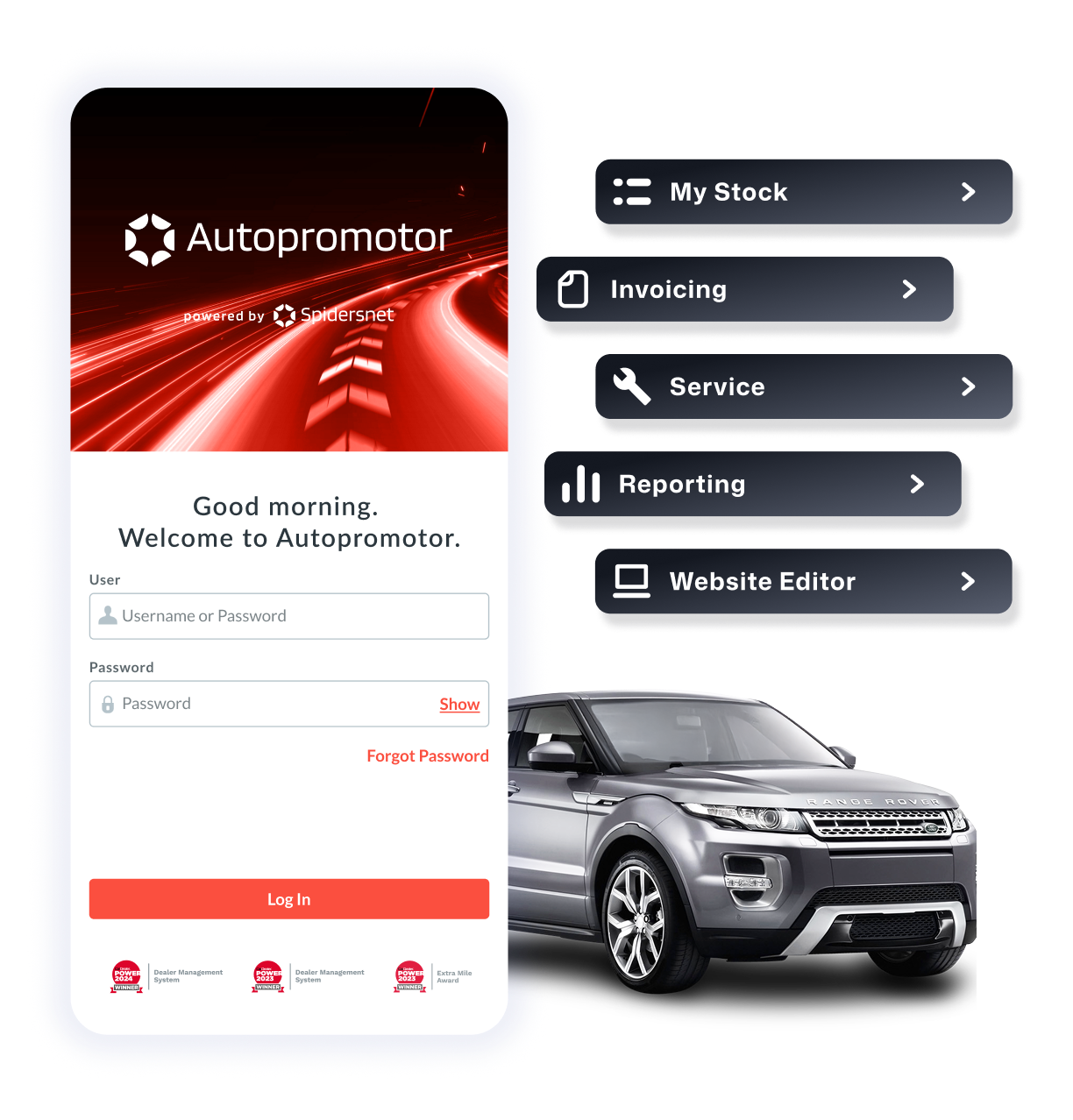
Simple setup. Clear control.
You set your service options and booking rules inside Autopromotor. The booking tool sits on your website. Requests flow back into the system for approval.
No extra platforms. No messy workarounds. Just a cleaner, more connected way to manage service bookings.

Frequently Asked Questions
Discover our other DMS Services
Autopromotor is built to do more than manage one part of your dealership. Explore the wider DMS tools available to help you streamline daily tasks, reduce admin, and keep more of your operation connected in one place.
Discover more DMS integrations
Ready to transform your
dealership?
Let's chat about which package best suits your business.